1. Scan your furniture
Use your phone to capture a piece of furniture from different angles and generate a 3D model. Start with an item you already own or one you’re considering for your home.
A sofa might look perfect in a showroom, but how would it look in your living room?
RoomFit AR helps you explore furniture in the space where you’ll actually use it. Bring your ideas into view, compare sizes, and plan your room without needing any 3D modelling experience.
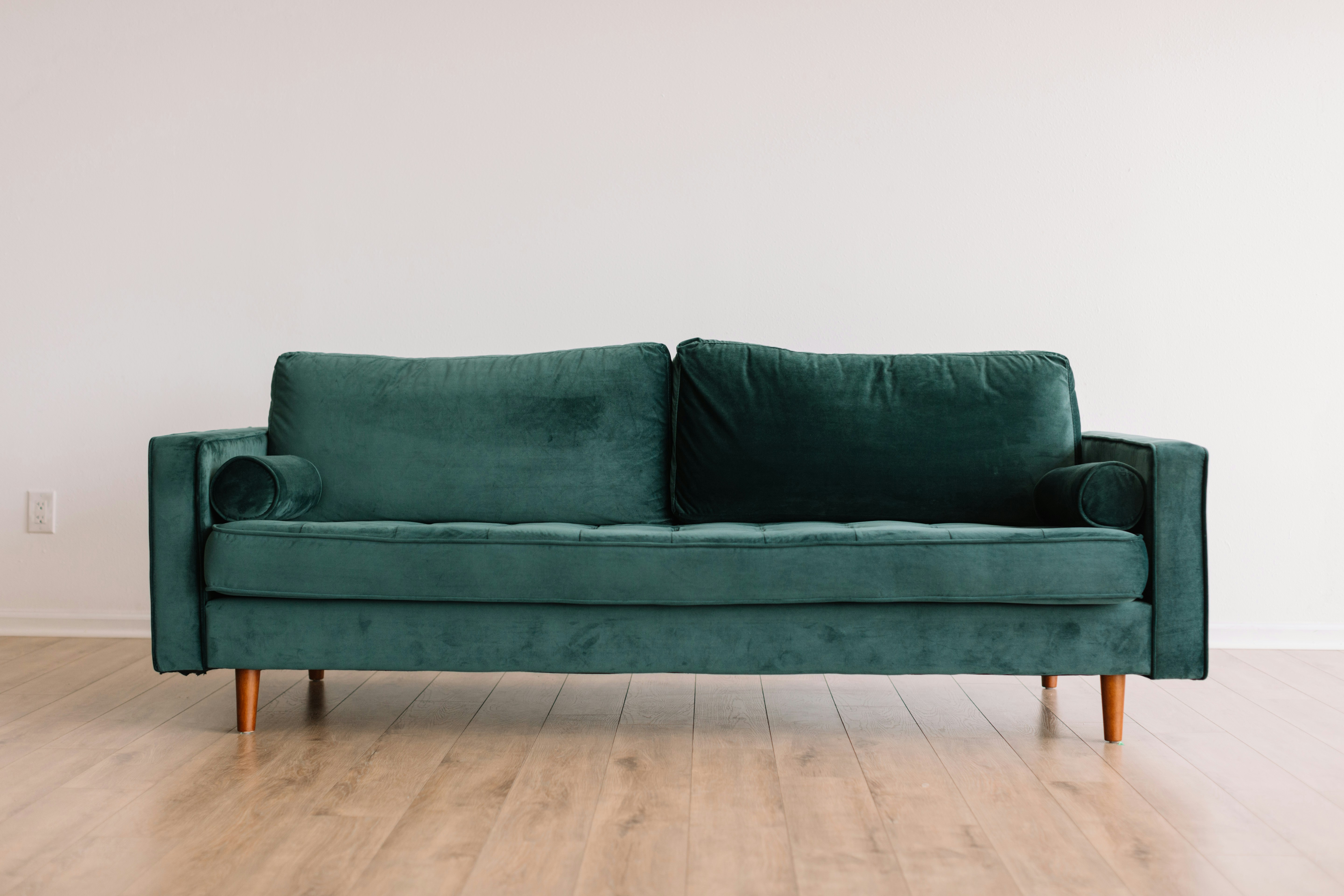
Use your phone to capture a piece of furniture from different angles and generate a 3D model. Start with an item you already own or one you’re considering for your home.
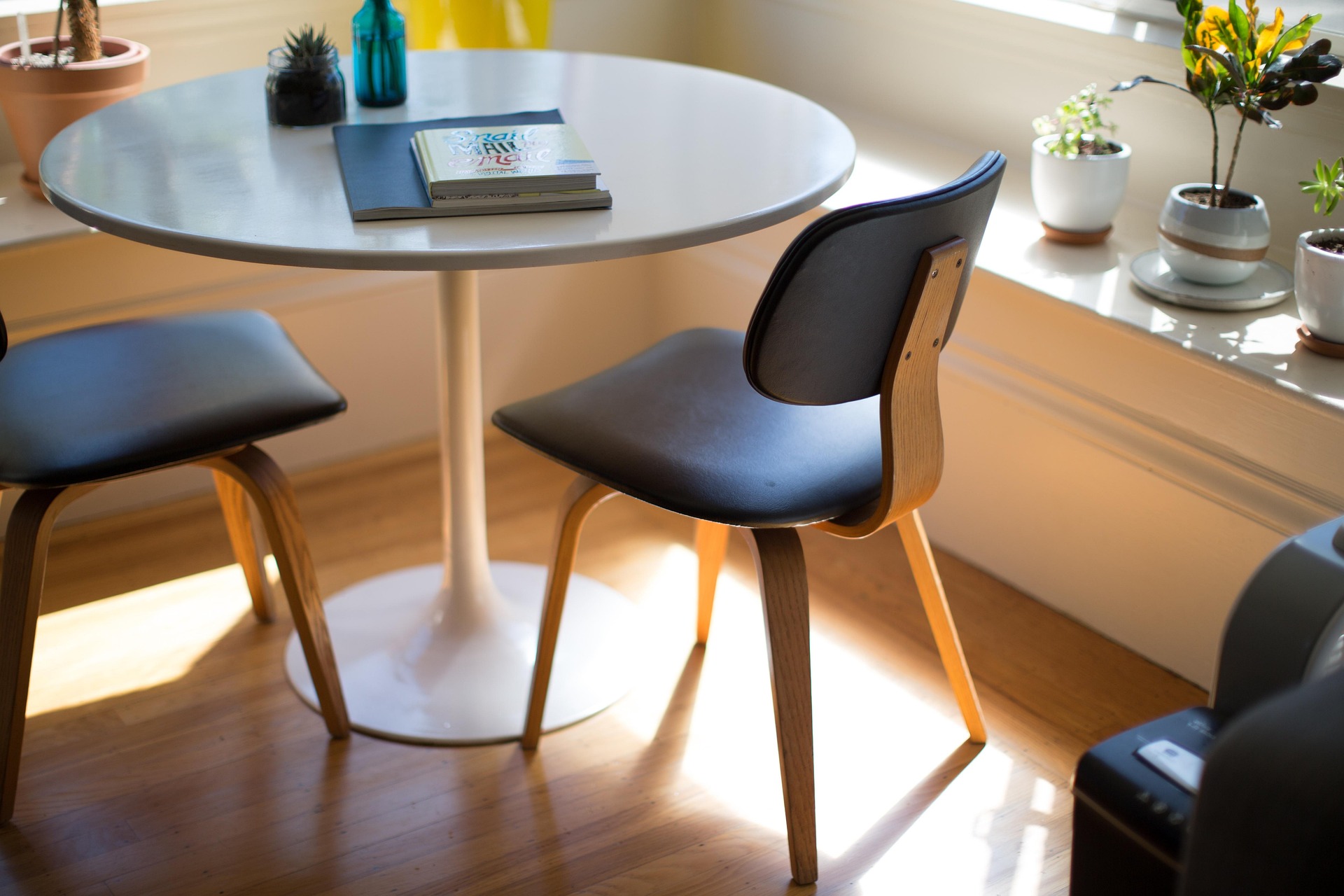
Keep your scanned furniture together in your personal collection. Choose a saved model whenever you want to try a different arrangement or plan another space.
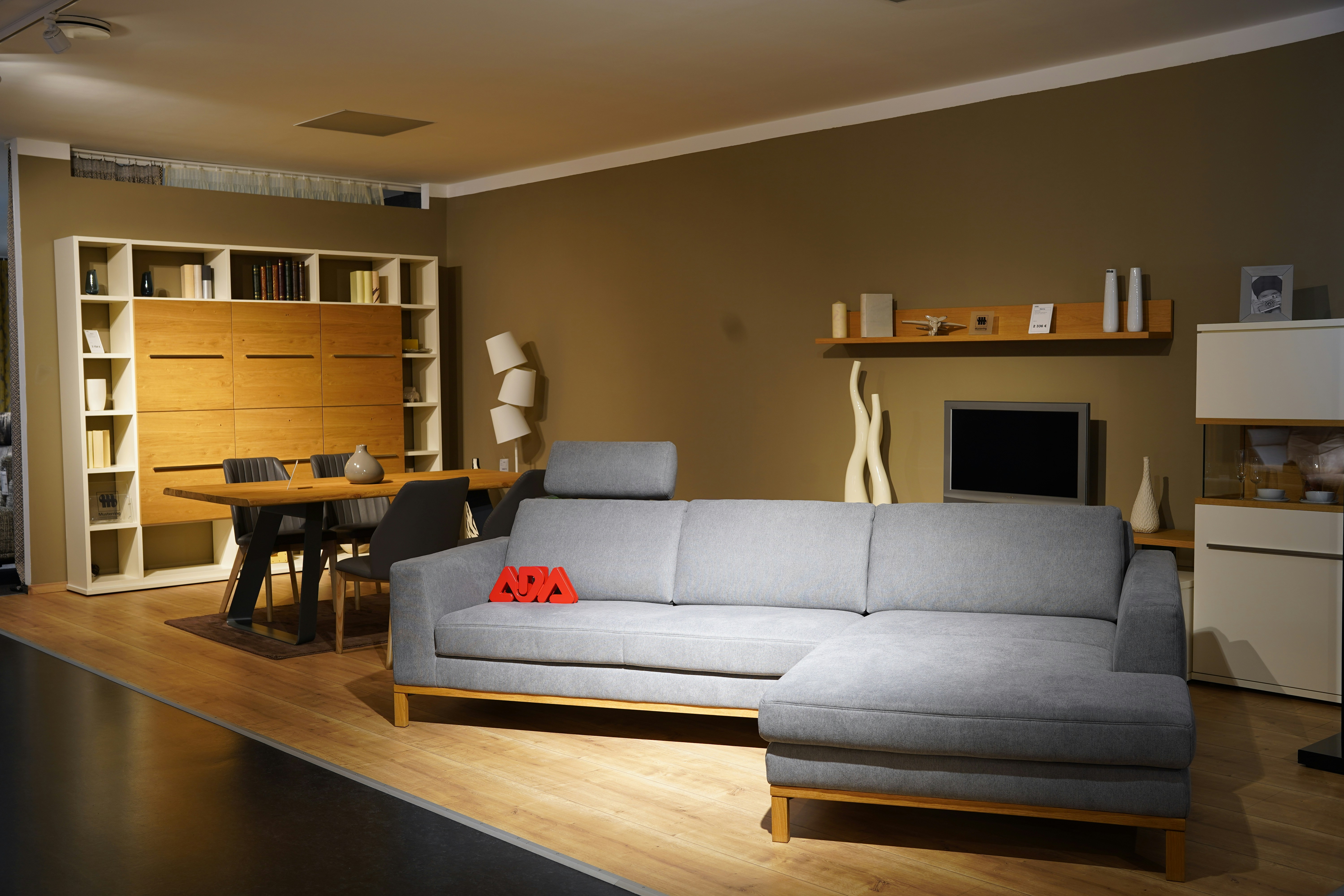
Use your phone’s camera to place your furniture model in your surroundings. Walk around it and explore different positions to see how it could work in your room.
Scan and save furniture, try different positions in your room, and compare estimated dimensions to find an arrangement that works for your home.
Create digital versions of furniture using your phone’s camera.
Save your models in one place and return to them as your plans change.
Use augmented reality to see your model alongside your existing furniture.
Try another spot and view your furniture from different angles.
Compare estimated furniture dimensions with measurements of your available space. Confirm key measurements before buying or moving furniture.
Follow a straightforward process from scanning an object to viewing it in your home.
Start with one piece of furniture and explore where it could belong.